
AI 照片编辑
照片编辑器 AI
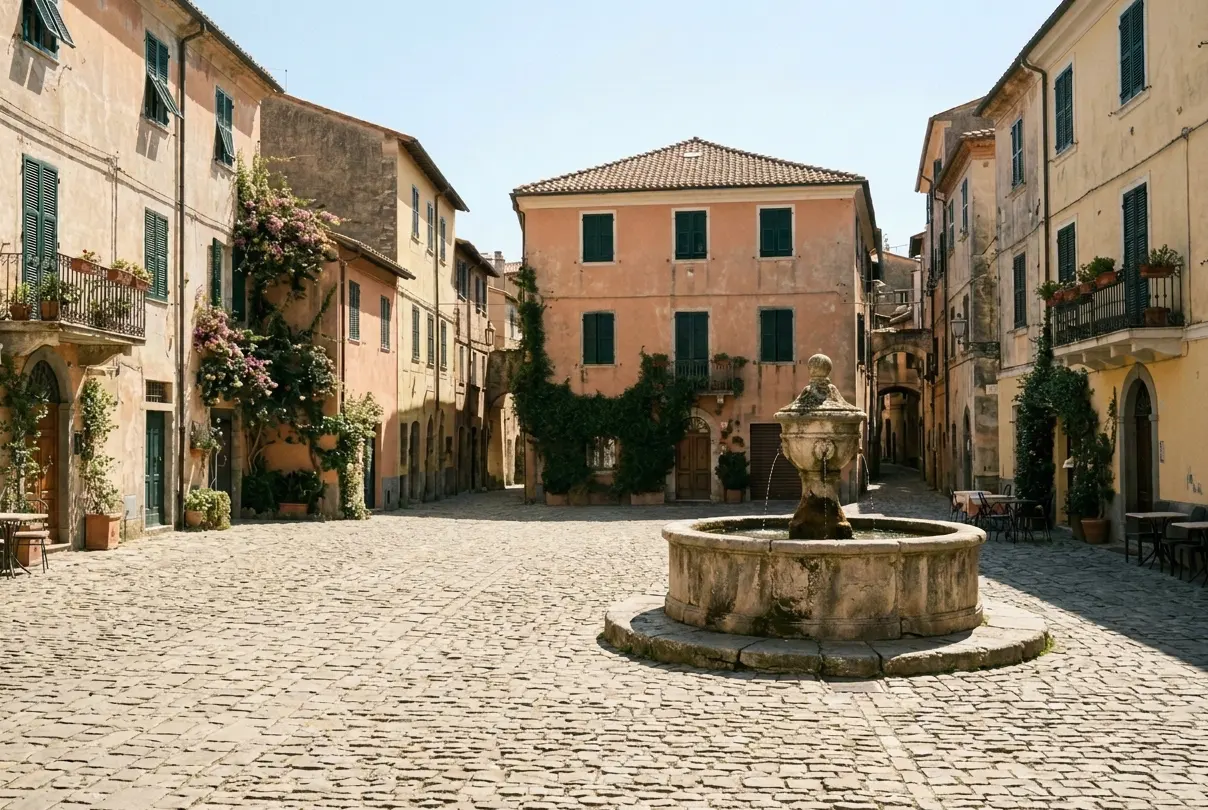
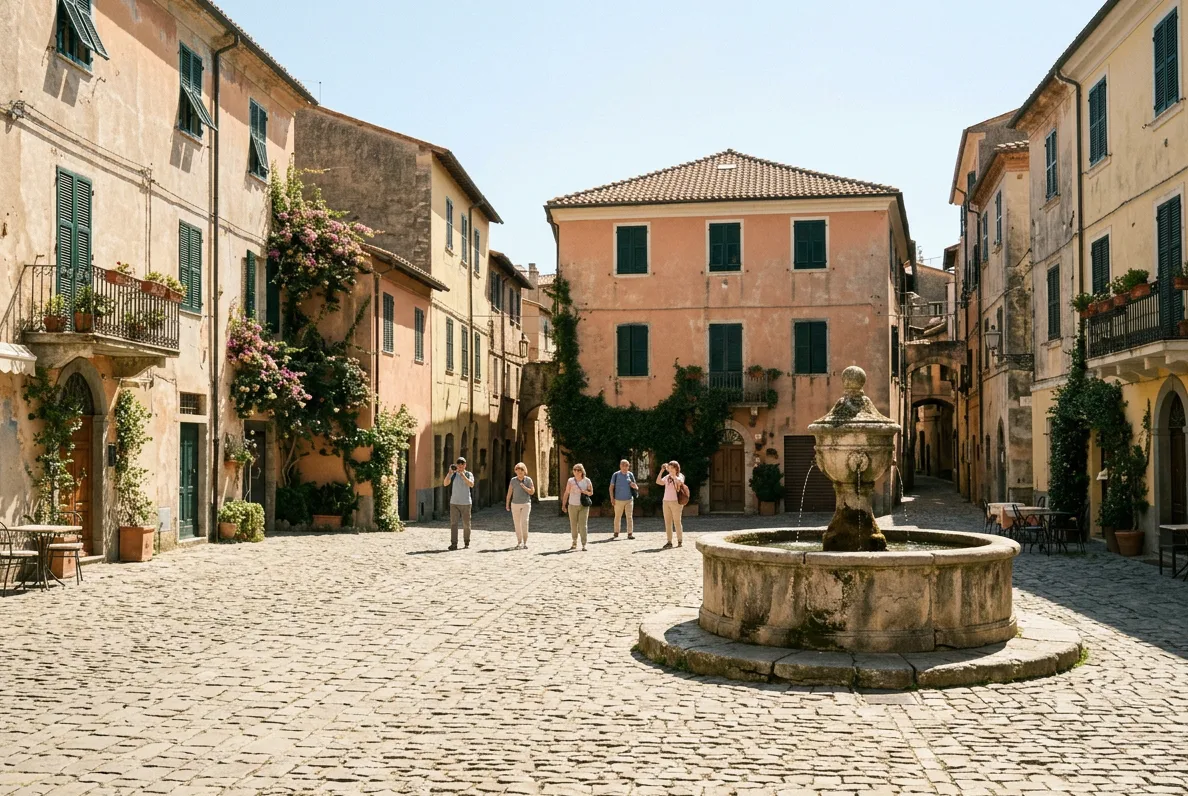
上传照片,写下要改的地方:去掉游客、换个背景、修复老照片、让光线更暖。运行前就能看到积分价格,每个结果都可以继续修改。
- 去除路人
- 更换背景
- 修复老照片
- 黄金时刻光线
前后对比
这个编辑器的真实结果
在 AI 生成的示例照片上运行,未经修饰。每个结果下方列出了完整指令。
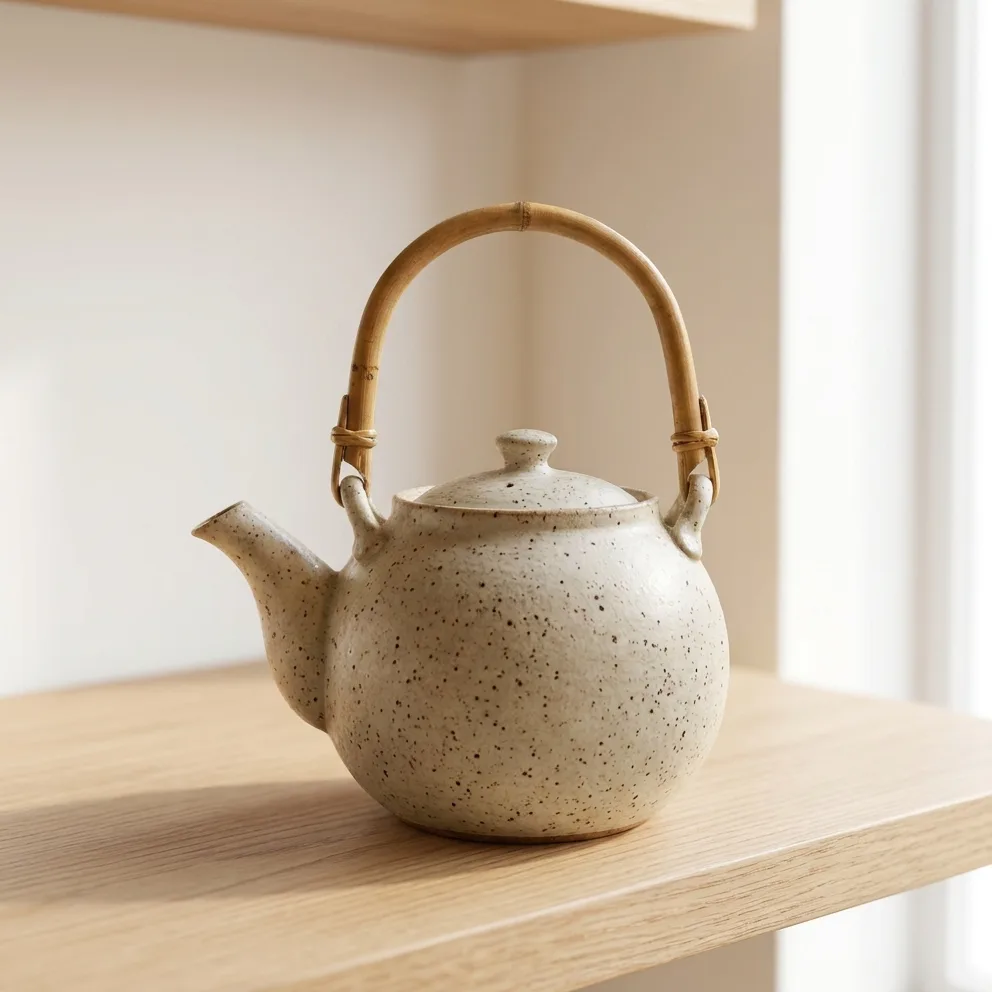
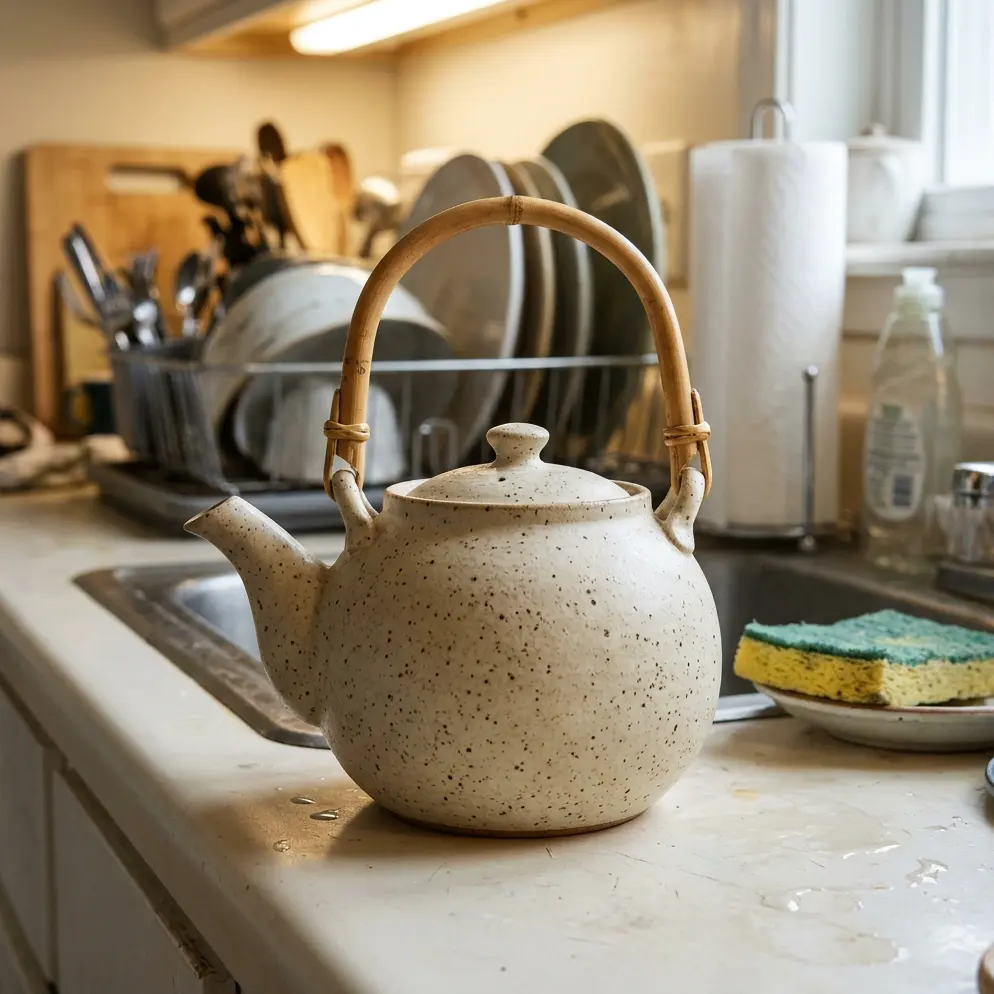 原图结果
更换背景 · 更换背景:明亮简约的影棚和浅色橡木置物板
指令
Replace the background of this photo with a bright minimal studio with a light oak shelf and soft window light. Keep the main subject exactly as it is, with clean natural edges, and match the new background's light, colour and perspective to the subject. Keep every person, face, body, pose, object and the composition exactly as they are unless this instruction changes them. Add no text, borders or watermarks.
 原图结果
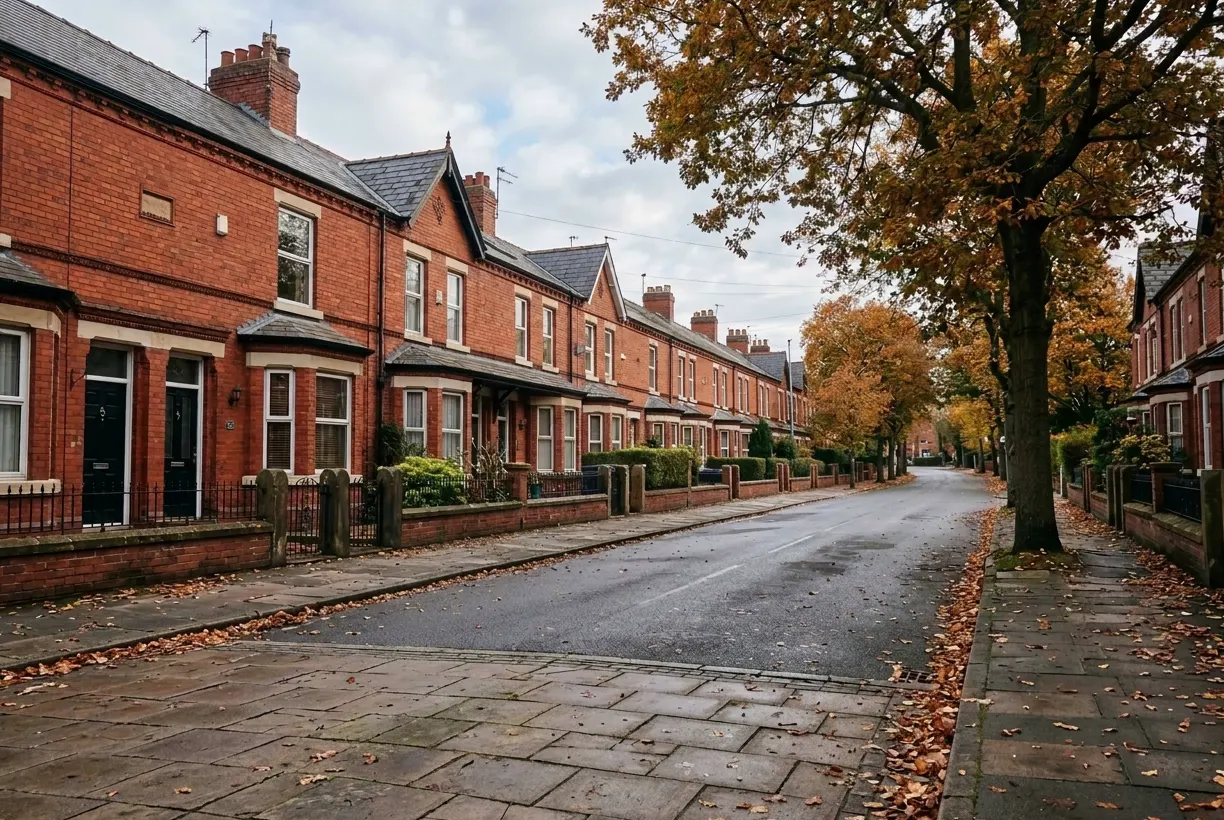
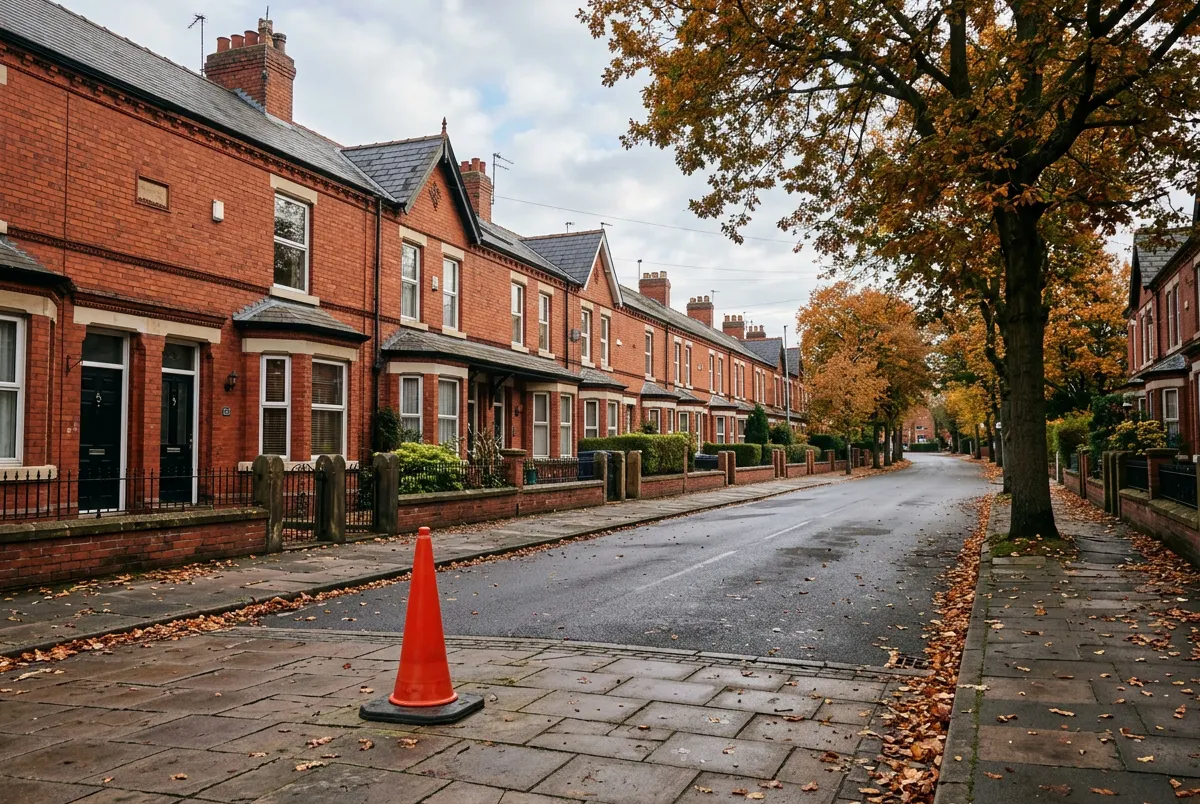
去除物体 · 去除物体:人行道上的橙色路锥
指令
Remove the orange traffic cone on the pavement from this photo and fill the area with what would naturally be behind it, matching the surrounding texture, light and perspective. Leave no trace or blur. Keep every person, face, body, pose, object and the composition exactly as they are unless this instruction changes them. Add no text, borders or watermarks.
 原图结果
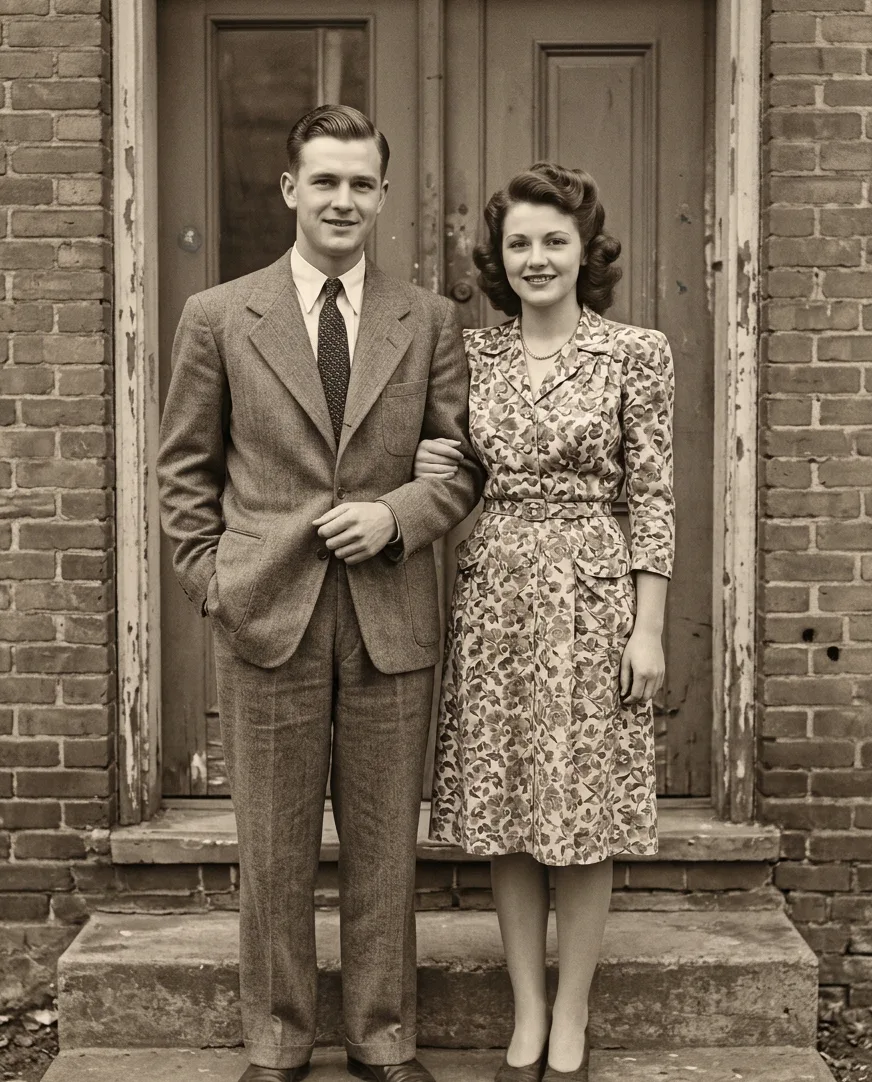
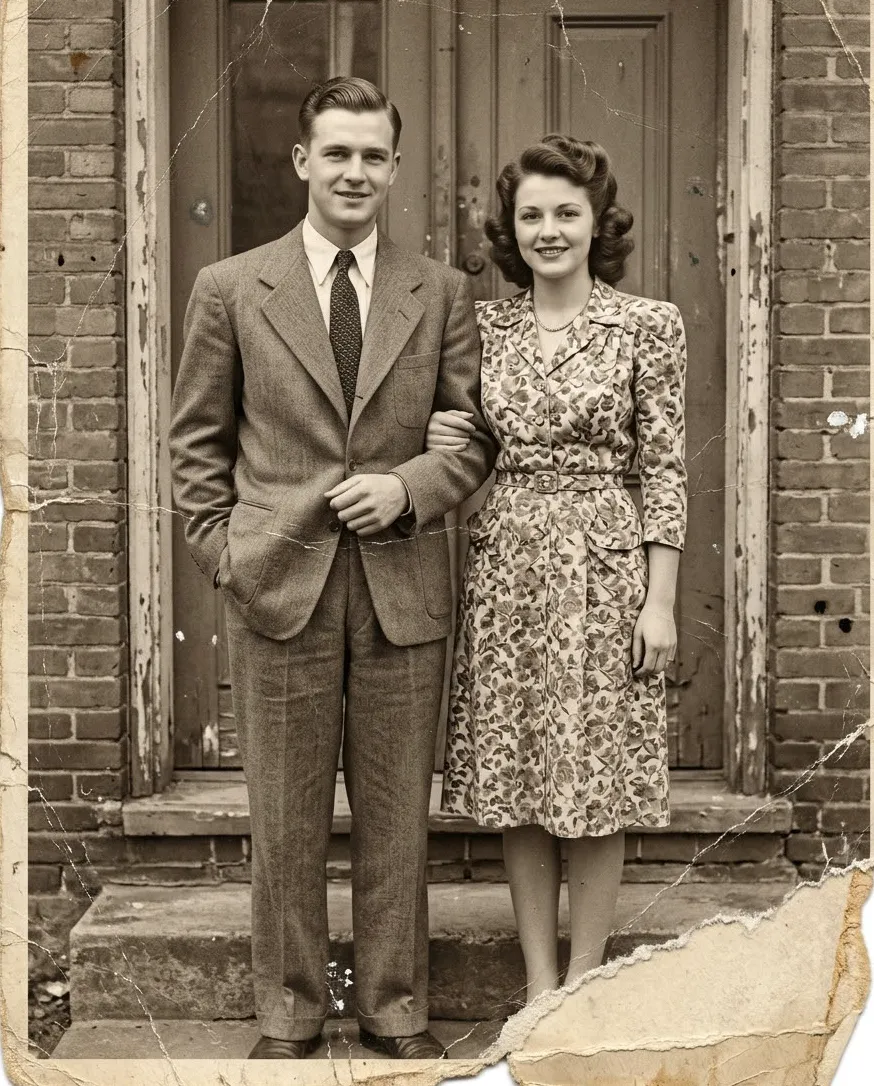
修复老照片 · 修复老照片
指令
Restore this old photograph: repair scratches, tears, dust, stains and fading, recover lost contrast and gently sharpen detail. Keep every face, expression, pose and the original composition faithful; do not invent new details. Keep every person, face, body, pose, object and the composition exactly as they are unless this instruction changes them. Add no text, borders or watermarks.
 原图结果
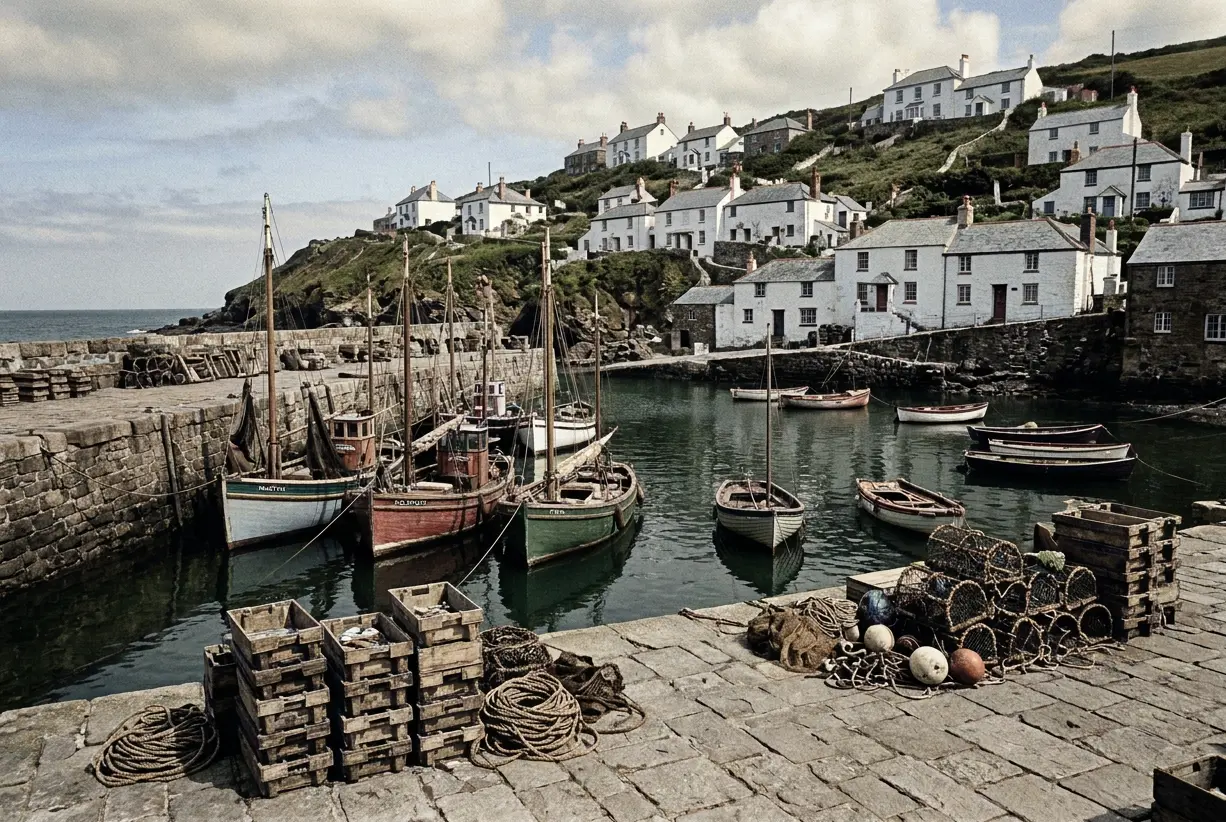
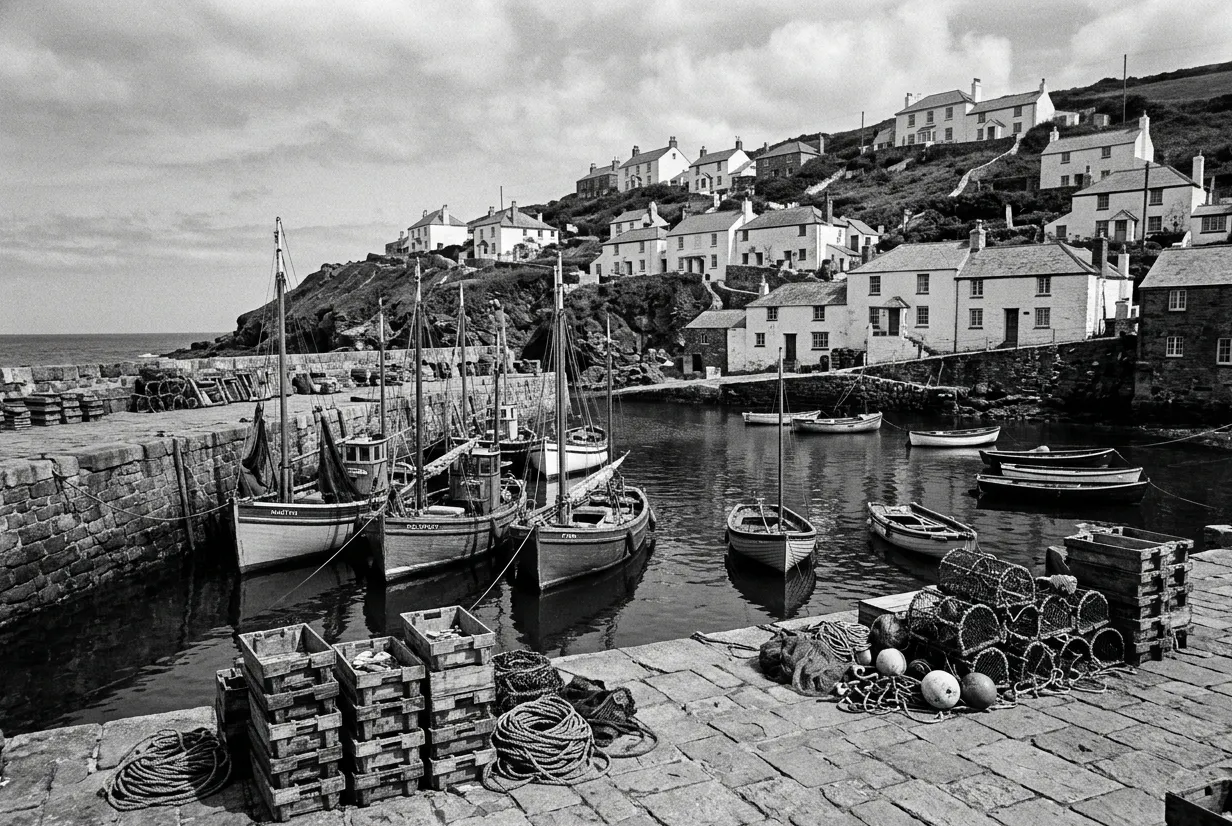
黑白上色 · 黑白上色
指令
Colourise this black-and-white photograph with natural, period-appropriate colours and realistic skin tones. Keep every face, detail and the composition exactly as they are. Keep every person, face, body, pose, object and the composition exactly as they are unless this instruction changes them. Add no text, borders or watermarks.
 原图结果
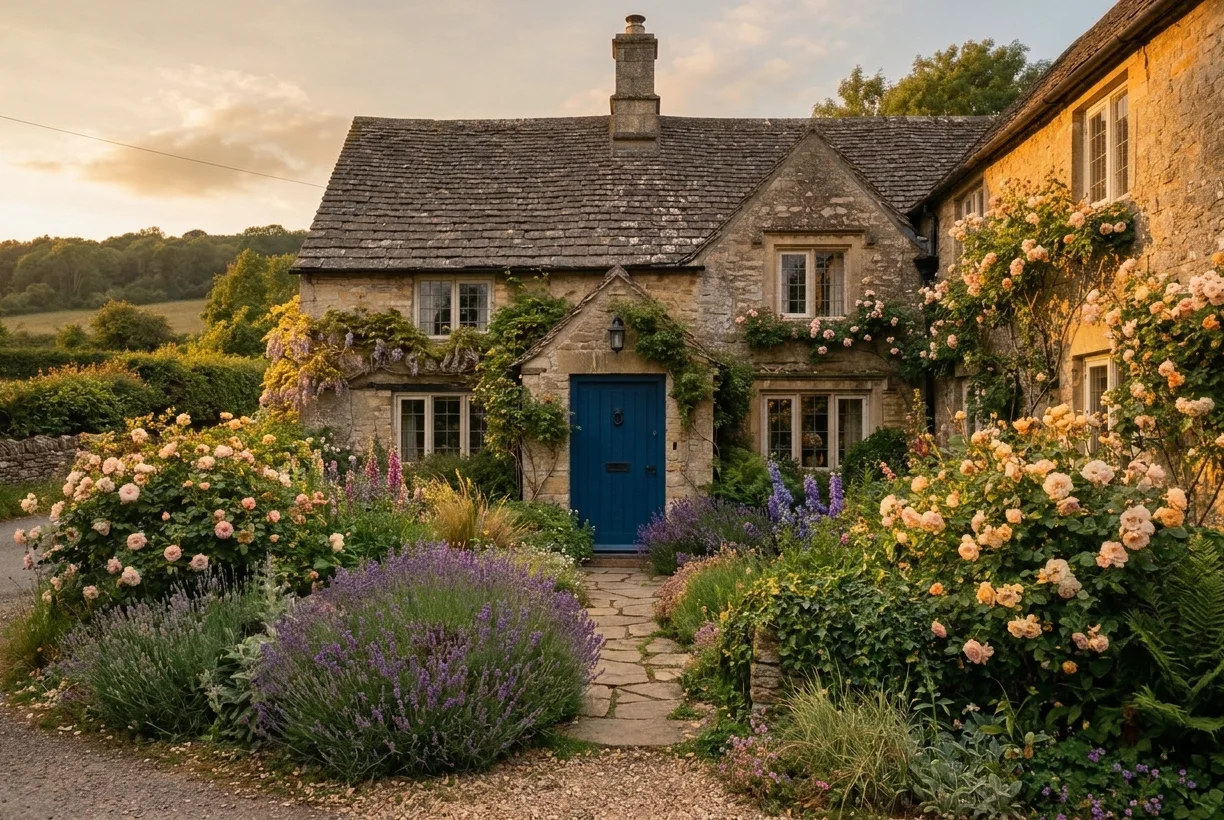
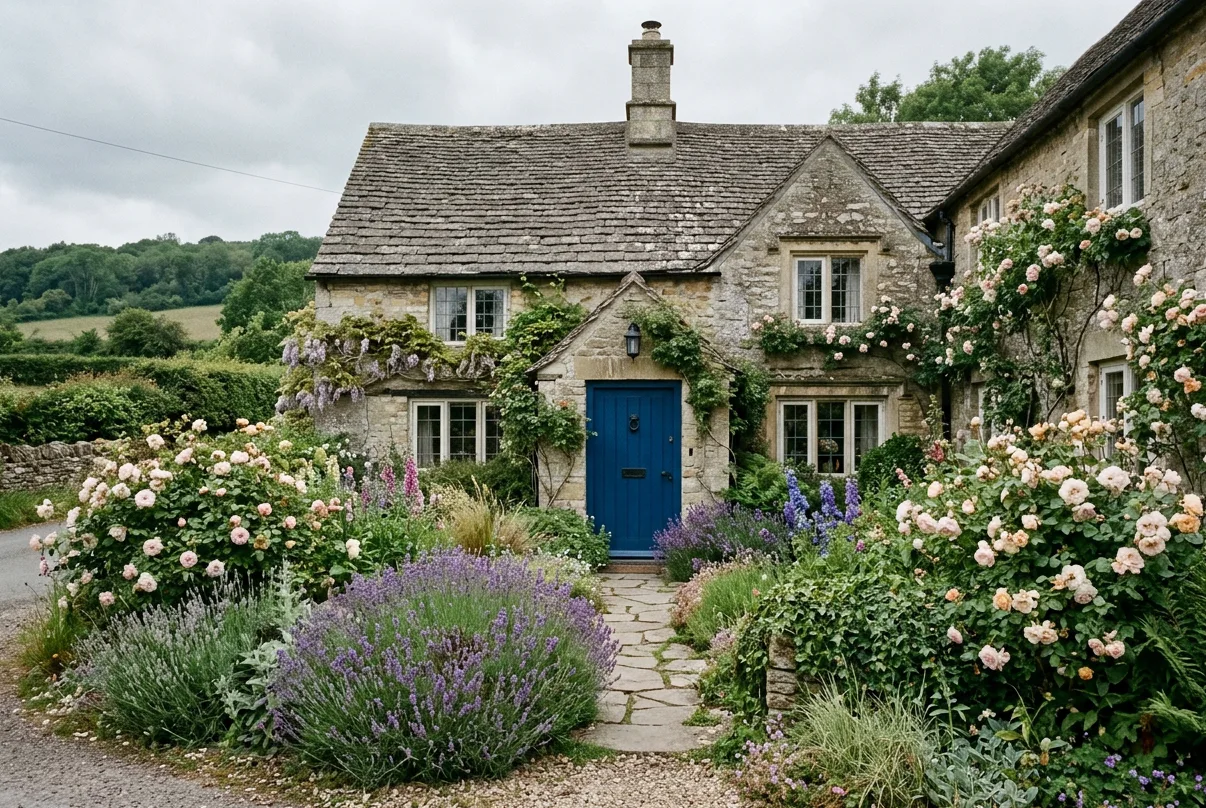
黄金时刻光线 · 黄金时刻光线
指令
Relight this photo as if it were taken at golden hour: warm, low sunlight from the side with long soft shadows and a gentle glow. Change only the light, shadows and colour temperature. Keep every person, face, body, pose, object and the composition exactly as they are unless this instruction changes them. Add no text, borders or watermarks.
 原图结果
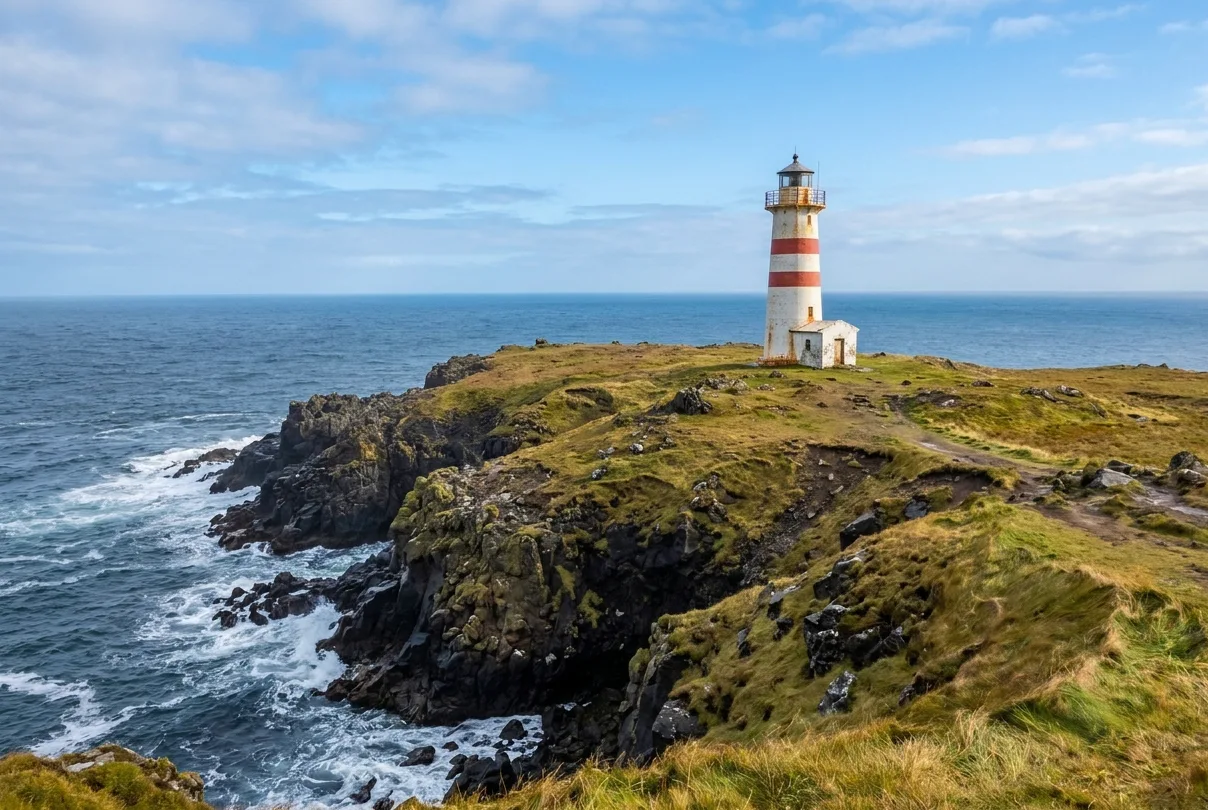
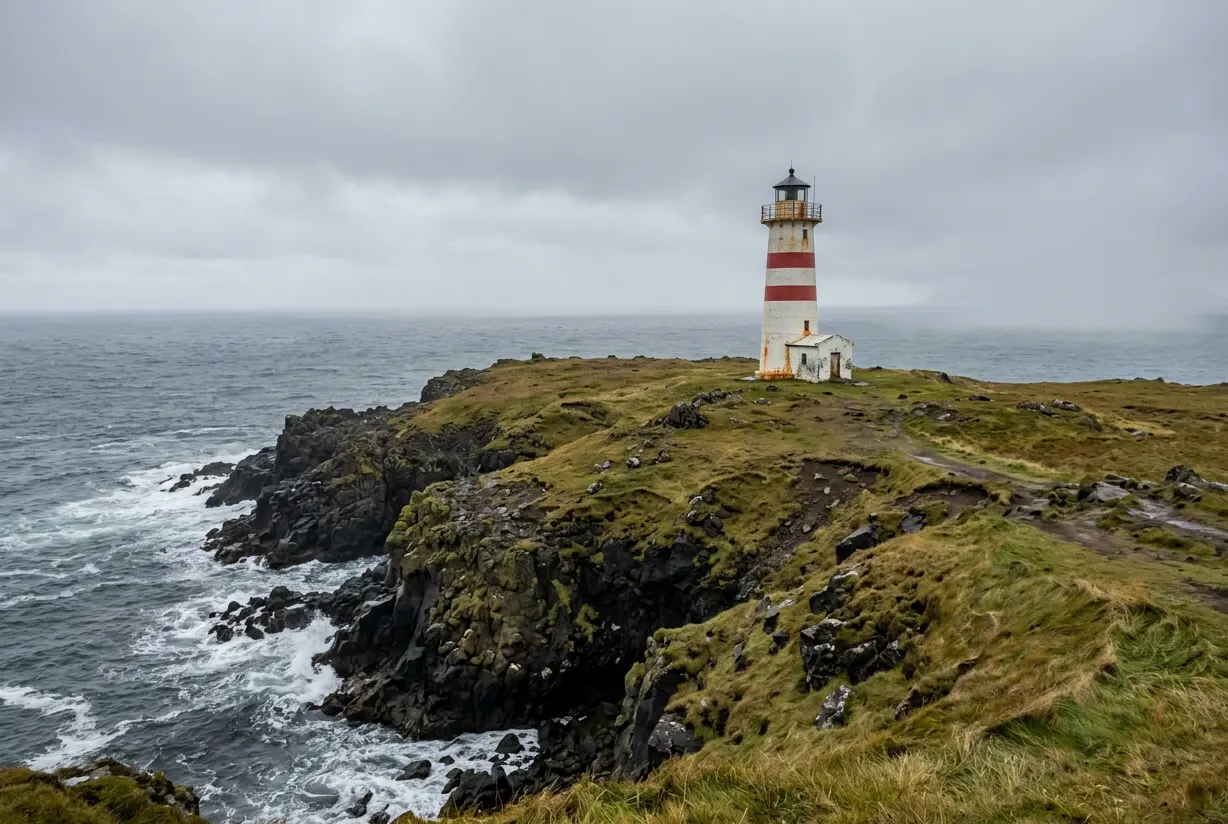
更换天空 · 更换天空:蓝天和柔和白云
指令
Replace the sky in this photo with a clear blue sky with soft white clouds, and adjust the light on the scene so it matches the new sky. Change nothing else. Keep every person, face, body, pose, object and the composition exactly as they are unless this instruction changes them. Add no text, borders or watermarks.
 原图结果
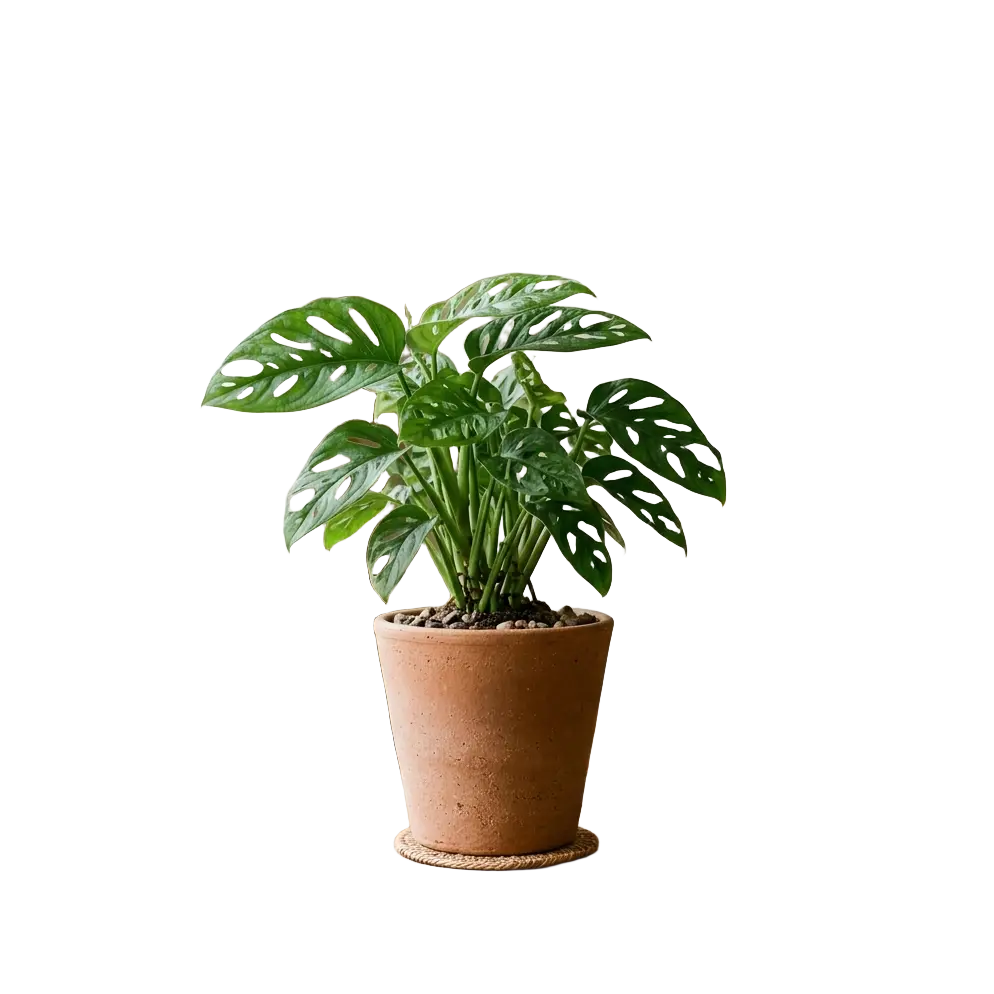
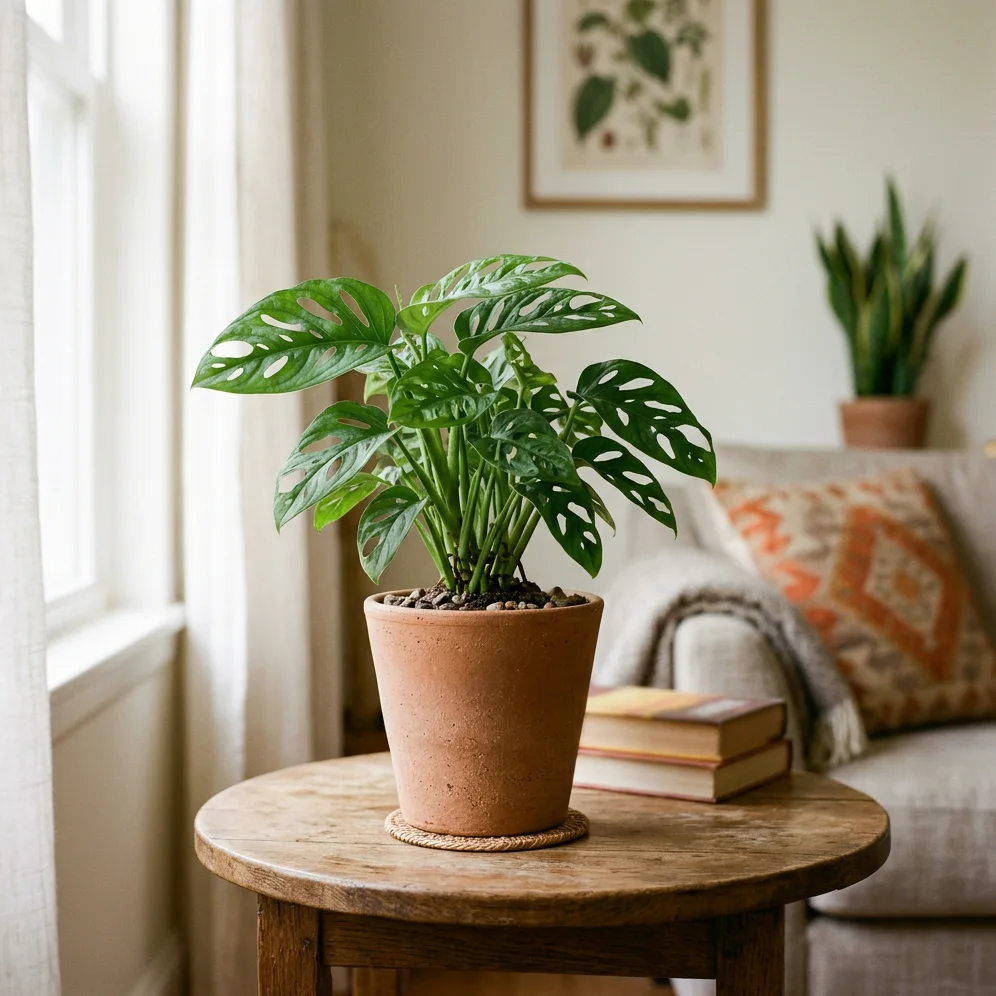
抠图 · 抠图
使用方法
如何用 AI 修图
无论改什么,都是三步。
- 01
上传照片
10 MB 以内的 JPG、PNG 或 WebP,私密保存在你的账户中。
- 02
写下要改的地方
用自己的话描述,或点选快捷修图,然后选择模型和输出尺寸。积分价格随选择实时更新。
- 03
对比并继续
拖动滑块对比,下载,或继续修改结果。每个版本都保留在照片下方。
模型
由哪个模型完成修图
模型由你选择。每次修图的积分由模型和输出尺寸决定。
| 模型 | 适合 | 1K | 2K | 4K |
|---|---|---|---|---|
| Nano Banana 2.1 | 日常修图:速度快、成本低,擅长清理 | 11 | 16 | 24 |
| Nano Banana Pro | 复杂场景和老照片修复,仅 4K | — | — | 63 |
| GPT Image 2 | 大幅色彩调整,难改的图换个思路 | 16 | 27 | 42 |
| Recraft Remove Background | 仅用于抠图;保留原始像素 | 6 | — | — |
1K 以上的输出尺寸需要套餐或积分包。只有完成的修图才会扣积分。
价格
个人或团队都有合适的套餐
两个个人套餐、两个按席位计费的团队套餐,以及适合偶尔使用的积分包。新账户一次性获得 11 免费积分,可完成一次完整修图。
Retoucher
适合经常修自己的照片
$9.33/月
每年一次性支付 $112
或按月付 $11.20
- 每月 1,245 积分
- 约 113 次 Nano Banana 2.1 1K 修图
- 每年 14,940 积分,每月发放 1,245
- 同时进行 2 个修图
- 最高 2K 输出
Lightbox
适合店铺、工作室和每周大量修图
$22.67/月
每年一次性支付 $272
或按月付 $27.20
- 每月 3,300 积分
- 约 300 次 Nano Banana 2.1 1K 修图
- 每年 39,600 积分,每月发放 3,300
- 同时进行 5 个修图
- 最高 4K 输出
- 脚本可用的 API 密钥和 MCP
团队套餐
按席位计费,3 个席位起。每个席位的积分汇入同一个积分池,成员通过邀请链接加入。
Retouch Desk
每周都修图的小团队共享积分池
$242每席位每年
或按月付每席位 $24.20
3 个席位:共 $726
- 积分池每月 8,550 积分(每席位 2,850)
- 团队共享一个积分池
- 同时进行 5 个修图
- 最高 4K 输出
- 脚本可用的 API 密钥和 MCP
Press Room
每席位更多积分,还可为每位成员设定积分上限
$522每席位每年
或按月付每席位 $52.20
3 个席位:共 $1,566
- 积分池每月 19,260 积分(每席位 6,420)
- 团队共享一个积分池
- 同时进行 5 个修图
- 最高 4K 输出
- 脚本可用的 API 密钥和 MCP
Touch-up · $7.40
710 积分,永不过期,约 64 次 1K 修图。解锁 2K 输出。
Photo Shoot · $19.60
1,870 积分,永不过期,约 170 次 1K 修图。解锁 2K 输出。
免费:验证邮箱后一次性获得 11 积分,无需绑卡,可完成一次完整修图。每个邮箱仅限一次。 这些积分永不过期。
月付 7 天内、年付 21 天内、积分包 14 天内,积分使用不超过 10% 可申请退款,按未使用比例退还。
关于 AI 修图的常见问题
PhotoEditAI 是什么?
PhotoEditAI 是一款在浏览器里使用的 AI 照片编辑器。上传照片,用文字描述修改,例如“去掉我身后的人”或“改成黄金时刻”,图像模型就会完成编辑。快捷修图覆盖常见需求,另有抠图模式可把主体抠到透明背景上。
AI 修图免费吗?
新账户在验证邮箱后一次性获得 11 积分,可完成一次 1K 的完整修图(11 积分)。每个邮箱只能领取一次,通过 VPN、代理或托管服务器网络注册的账户不发放。之后需要购买套餐或积分包。没有每日或每月免费积分。
使用哪些 AI 模型?
修图使用 Nano Banana 2.1、Nano Banana Pro 或 GPT Image 2,在编辑器中自行选择。抠图使用 Recraft Remove Background,这是保留原始像素的专用模型。每个结果都会记录模型名称。
需要框选或画蒙版吗?
不需要。用文字说出对象,例如“左边的橙色路锥”,模型会自己找到它。照片里有两个相似物体时,请描述得具体一些。
可以上传哪些照片?
10 MB 以内、每边至少 64 像素的 JPG、PNG 或 WebP 文件。只上传你拥有或获准编辑的照片,照片中的人也需要同意。
结果有多大?
抠图保持上传尺寸。修图在没有套餐时输出 1K,Retoucher 或积分包最高 2K,Lightbox 或团队套餐最高 4K。Nano Banana Pro 始终输出 4K。
谁能看到我的照片和结果?
只有你自己;团队套餐的所有者只能看到用量,看不到你的照片。没有公开图库。照片只会发送给运行修图的 AI 服务,你输入的文字会先经过自动安全检查。详见隐私政策。
修图失败怎么办?
修图开始时扣除积分。如果出错或超时,积分会自动退回余额,任务在“我的编辑”中标记为失败。
修好的照片可以商用吗?
可以,任何套餐都可以,前提是你拥有所上传照片的权利,并且用途符合服务条款和可接受使用政策。
哪些修改会被拒绝?
去除不属于你的水印或标志、换脸、脱衣或性化任何人、改变真实人物的身体、深度伪造和冒充他人、任何涉及未成年人的性内容,以及意图误导的修改(例如伪造证件)。每次修图前都会检查指令;详见可接受使用政策。
更新于
有一张照片需要修一下?
上传照片,写下要改的地方,对比结果。